https://x.com/nikil/status/2023531845728825482
Potential instant 20-50% computer speedup
- open terminal
- type "arch"
Discovered today that my computer had been running most things ~30% slower for years.
In 2020 @Apple switched Macs from Intel chips to their own ARM chips (M1, M2, M3, M4). To make sure old Intel apps didn't break overnight, they built Rosetta — a translation layer that converts Intel instructions to ARM on the fly. It works so well you don't even know it's there. That's the problem.
When I migrated from my old Intel Mac, Migration Assistant silently copied over Intel @MacHomebrew. From that point on, every single package I installed — Node, Python, my terminal, 200+ developer tools — was the Intel version. Rosetta translated everything seamlessly. No warnings. No errors. Just 30% slower across the board, and I had no idea.
I only caught it this weekend because I was doing a fresh install of @openclaw to test a secret project I'm building. The new update of Openclaw uses node-llama-cpp, which flat out refuses to run under Rosetta. That one failure exposed years of hidden performance loss.
This might be happening to you.
To check
1. Open any terminal app installed through homebrew (iterm2, ghostty, etc...). The default Terminal app is installed by the system & uses arm so won't work to test.
2. Type "arch" and hit enter
3. If it says arm64 — you're good, everything is running native
4. If it says i386 — your Mac is running everything through Rosetta and you're leaving 20-50% performance on the table
You can also check specific apps: right-click any app → Get Info → if "Open using Rosetta" is checked (or greyed out), it's running translated.
To Fix
1. Open terminal
2. Install ARM Homebrew: /bin/bash -c "$(curl -fsSL )"
3. Reinstall your packages using /opt/homebrew/bin/brew
Go check right now.
⚡️ Godspeed.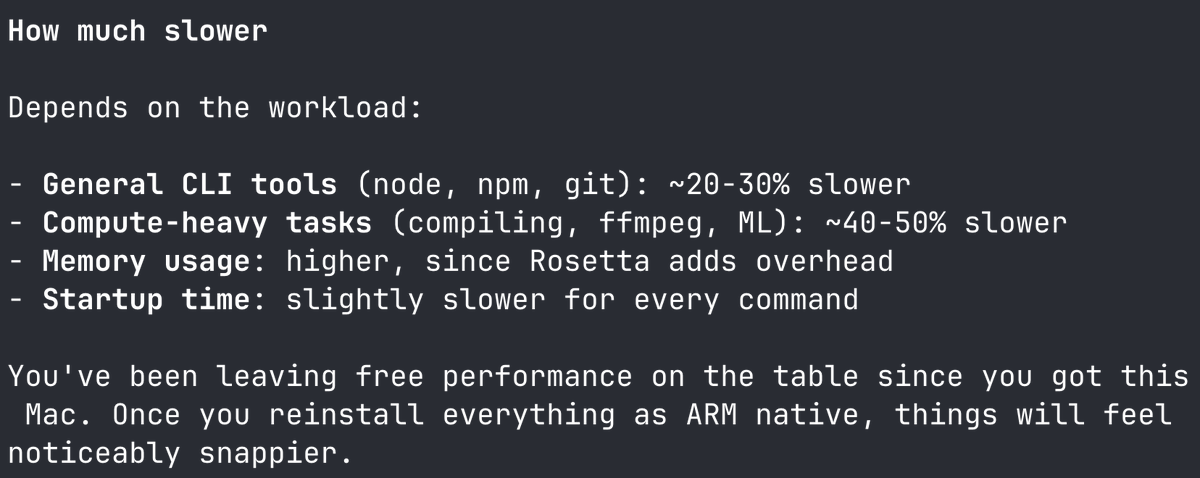 Feb 16, 2026 View on X →
Monday, February 16, 2026 Technology